How do I ensure smooth delivery when sending multiple hampers to one address?Updated a month ago
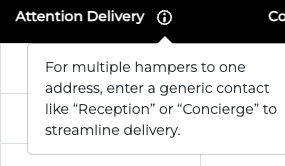
When sending multiple hampers to the same address, please fill in the "Attention Delivery" field with a contact or department name (e.g., "Reception" or "Concierge") to streamline delivery.
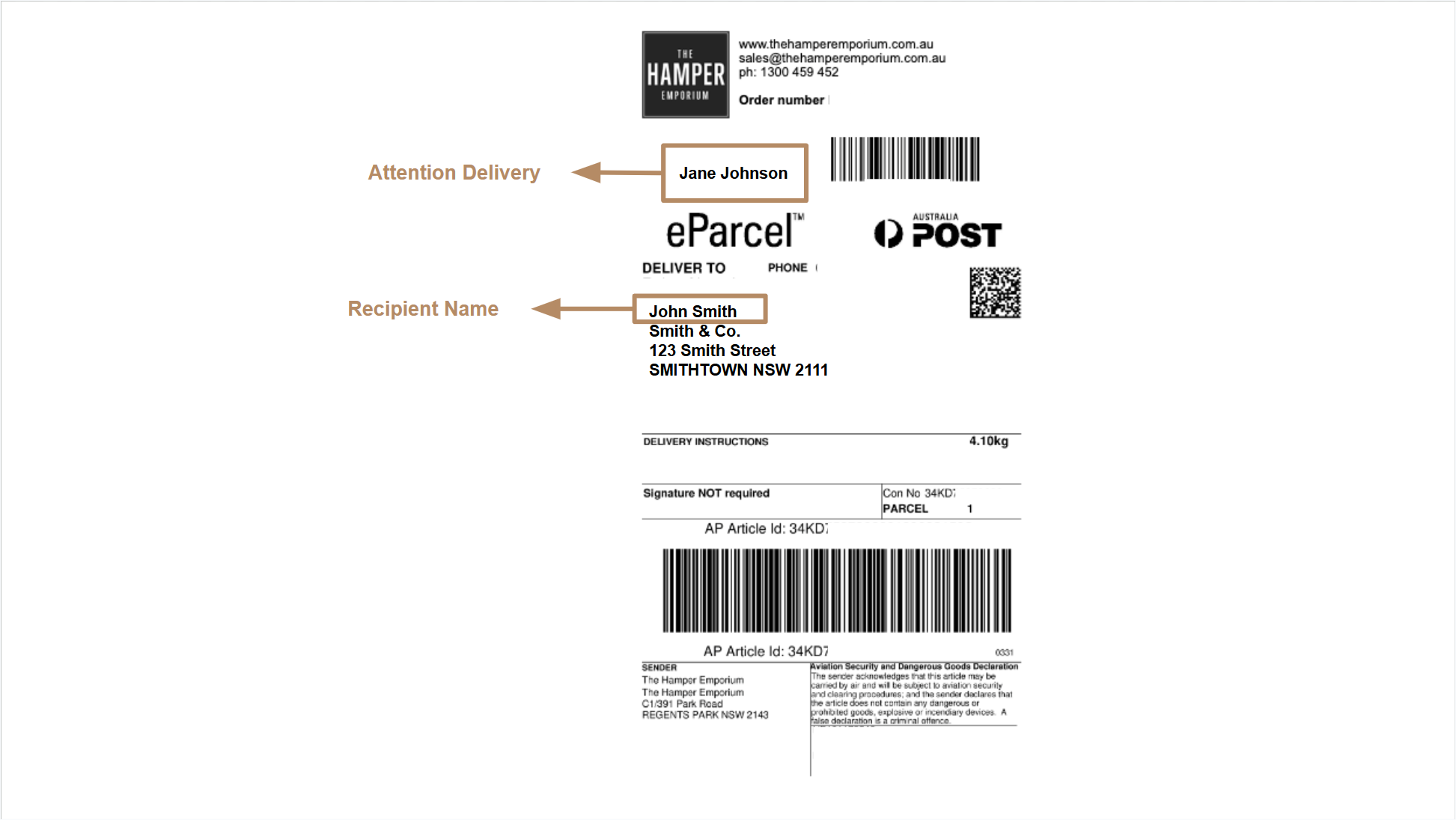
If this field is left blank, our system will use the first recipient’s name as the addressee for all hampers. While we try to adjust this before dispatch, it may not always be possible. However, individual recipient names will still appear on the consignment label for clarity.
The example consignment below shows how the shipping label may appear, with callouts indicating where the Recipient and Attention To fields are displayed.
If you’re unsure about any delivery details or would like to confirm your information before dispatch, our Corporate Team is happy to assist: Who do I contact for assistance with my corporate order?
